01
Keep-last-take cuts
Re-read a line five times? PodPipe detects the repeats and cuts everything but the final clean take — reviewable, timestamped.
PodPipe transcribes your recording, cuts every retake down to the last clean take, strips the stammers and dead air, and opens DaVinci Resolve fully edited.
The stack PodPipe drives
How it works
Drop a video in and walk away. Everything below happens on its own, in order, and ends with Resolve open on the finished timeline.
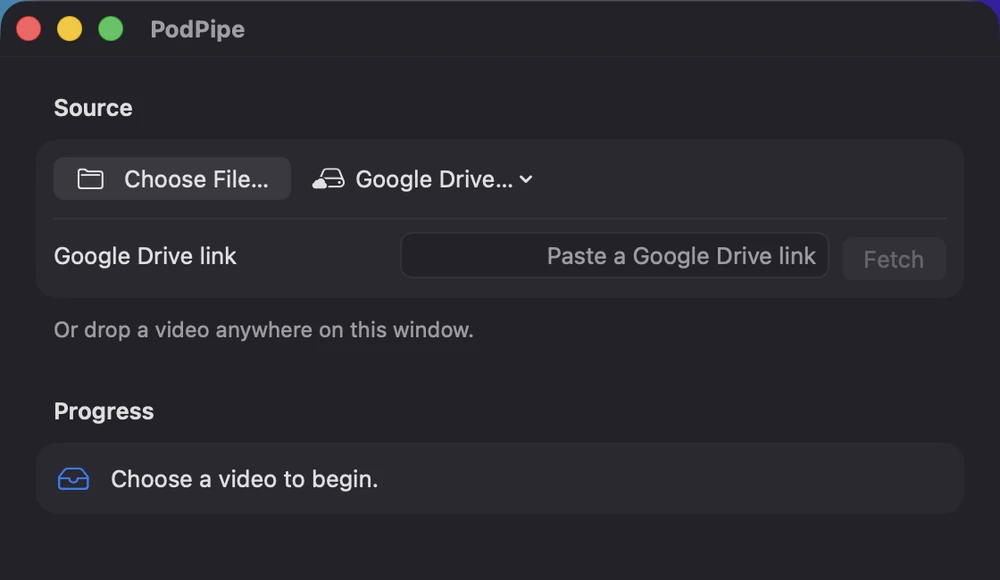
Pick a file, paste a Google Drive link, or drag the video anywhere onto the window. Multi-hour, 100 GB+ camera masters are fine — nothing gets copied or re-encoded.
Then walk away — the rest is automatic.
ElevenLabs Scribe turns the audio into a word-timed SRT. Not a rough transcript — every single word carries its own in and out point, which is what makes frame-accurate cutting possible later.
Output: a word-timed SRT you keep
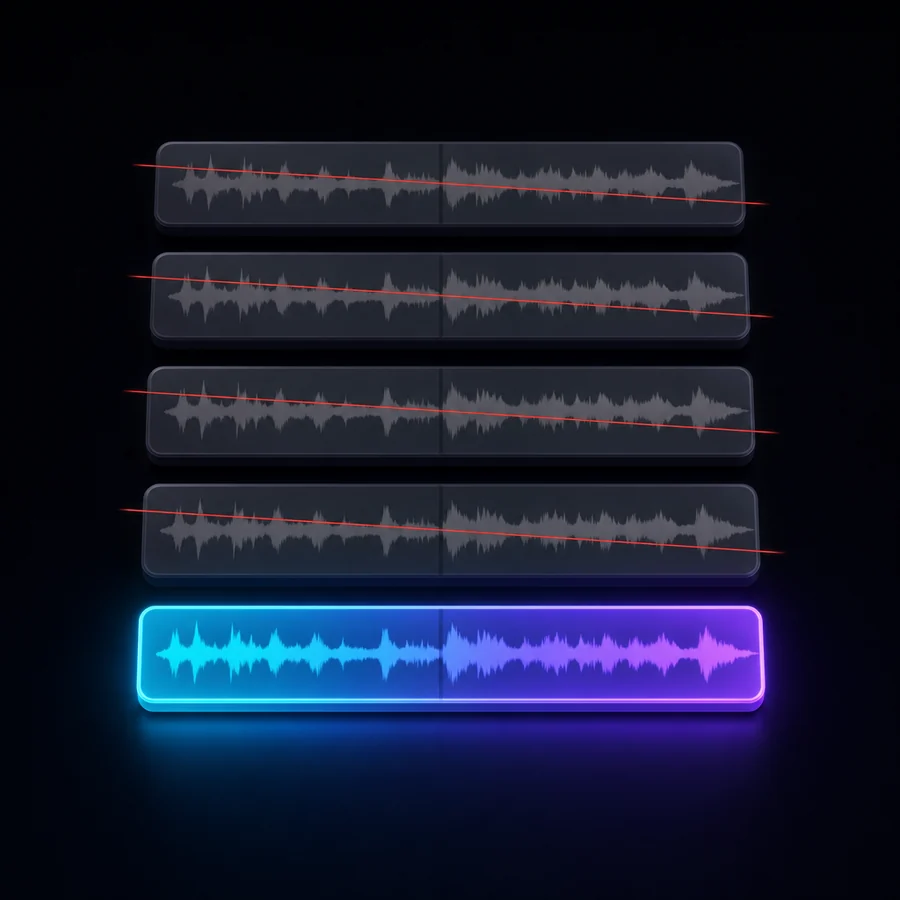
Read the same line five times? PodPipe spots the repeats and throws away everything but the final one. Stammers, cut-off words, "sorry, my bad", throat-clears and crew chatter go too — even when they share a subtitle cue with good audio.
Output: a reviewable, timestamped cut list
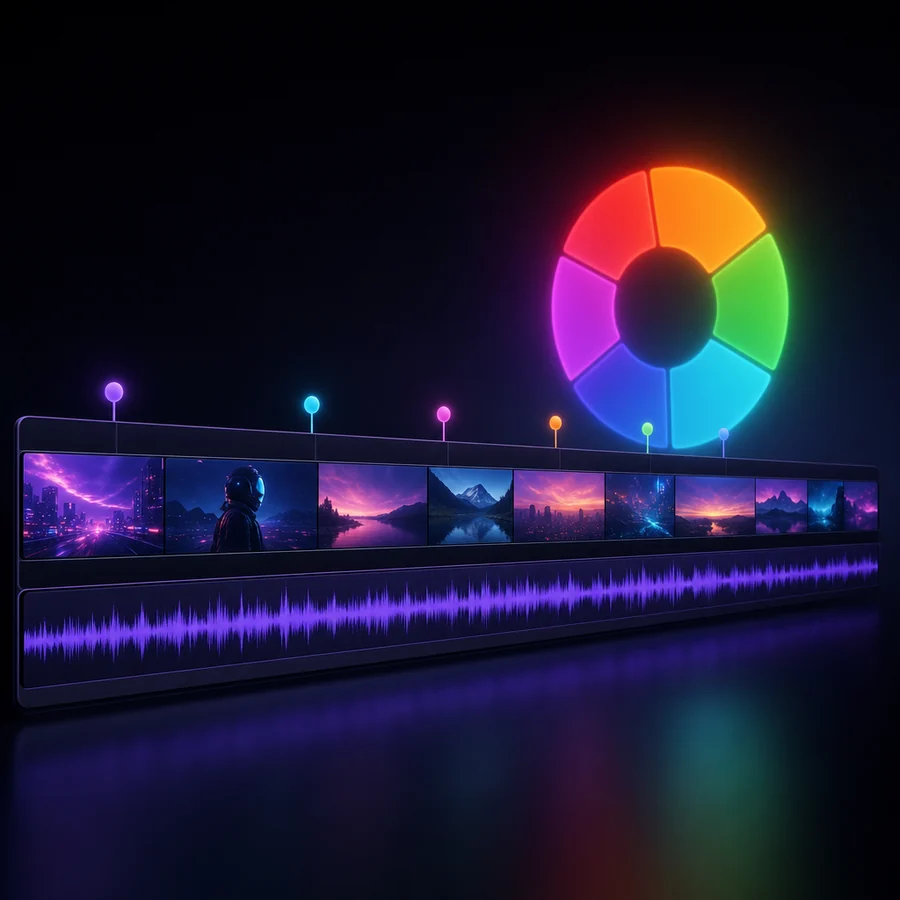
PodPipe launches Resolve, imports your original media, drops colour markers at every decision, and builds the clean timeline — gapless, cut on the footage's own frame rate. You land in the edit, not the paperwork.
Output: a finished timeline on your original source
What it does
PodPipe knows your finished transcript up front — so applying the cuts produces exactly that, at word precision.
Re-read a line five times? PodPipe detects the repeats and cuts everything but the final clean take — reviewable, timestamped.
Stammers, cut-off words, "sorry my bad", throat-clears and crew chatter get removed even when they share a subtitle cue.
ElevenLabs Scribe turns your video into a word-timed SRT. No manual subtitling, no separate step.
It launches Resolve, imports the clip, drops color markers, and builds the clean timeline on your original source.
SRT, analysis JSON and the final-edit transcript are downloadable the moment they're generated.
Optionally fetches relevant b-roll and exports a full editor cut sheet — every cut, pause, hook and punch-in.
Before you start
Intel or Apple Silicon — universal binary, signed with an Apple Developer ID and notarized by Apple.
The pipeline drives Resolve's scripting API to build the edit.
For transcription, cutting and clean media export.
Ship it
Turn your next raw recording into a finished DaVinci edit — without cutting a single retake by hand.